Introduction: Why AI-Native Browsers Are the Future
If 2023 was the year of chatbots and 2024 saw the rise of AI-powered assistants, then 2025 is unmistakably the year of AI-native browsers, tools that are no longer just a window to the web, but intelligent partners in how we search, work, and create.
Traditional browsers like Chrome, Edge, or Safari are built on a simple principle: you enter a query, open a tab, and manually shift through information. AI browsers, however, flip that model completely. They don’t wait for you to act, they understand your intent, anticipate your next step, and execute it for you.
Imagine searching for a product and having your browser not only find it but also compare reviews, apply the best available coupon code, and draft an email to the seller; all without leaving the page. That’s the new reality of AI-native browsing. These browsers combine the reasoning power of large language models (LLMs) with the everyday convenience of web navigation, creating a seamless bridge between thinking and doing.
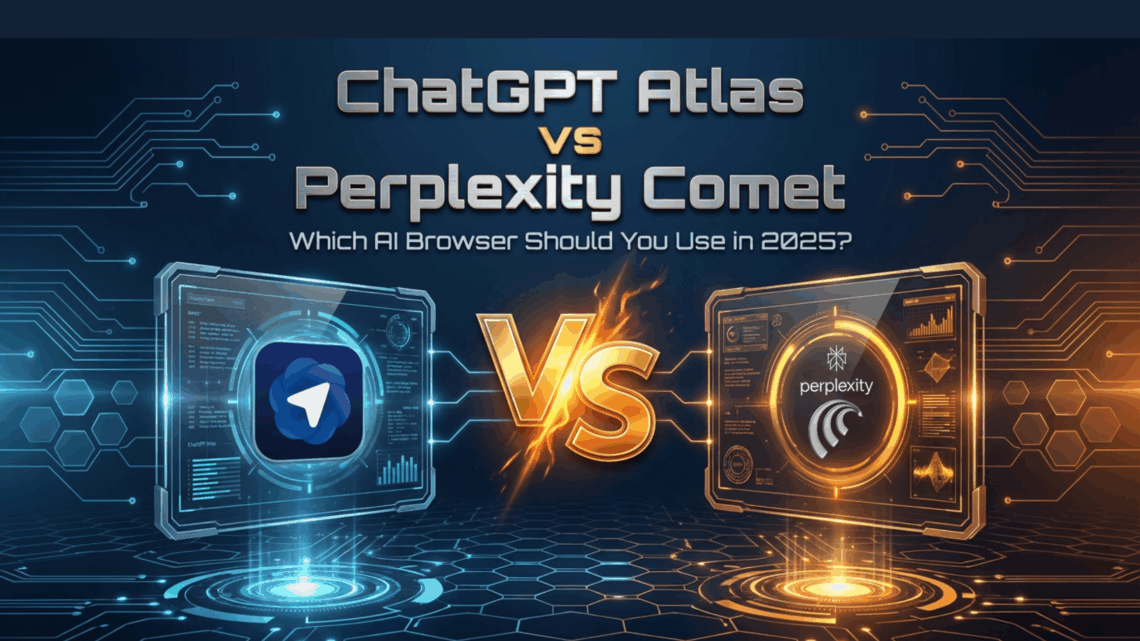
And in 2025, two names have emerged at the forefront of this transformation: ChatGPT Atlas by OpenAI and Perplexity Comet by Perplexity AI. Both promise to make your browsing experience smarter, faster, and more personalized, but they approach that goal very differently.
- ChatGPT Atlas focuses on contextual intelligence and creativity: helping you write, summarize, and interact with web content as naturally as you would chat with a colleague.
- Perplexity Comet, on the other hand, leans toward efficiency and autonomy; designed to research, analyze, and act almost like a background assistant that just gets things done.
For freelancers, students, and professionals, this evolution isn’t just exciting, it’s transformative. AI browsers have the potential to eliminate hours of redundant searching, tab-hopping, and manual editing, freeing up time for what actually matters: productivity, creativity, and results.
So, the question becomes: which of these two AI browsers truly leads the way? Is Atlas’s conversational intelligence more valuable than Comet’s lightning-fast automation? Let’s dig deeper into their performance, usability, and real-world impact to find out.
What Is ChatGPT Atlas?
ChatGPT Atlas is OpenAI’s first AI-native browser, announced in October 2025. Built on Chromium, it combines a full-fledged web experience with ChatGPT’s capabilities integrated right inside your browser.
When I first downloaded Atlas on my Mac, the setup felt familiar; it looks like a clean, minimal browser. But the moment I started interacting with its AI sidebar, I realized this wasn’t just a “browser with ChatGPT attached.” It was more like having ChatGPT living inside your browsing window.
Here’s what stood out during my testing:
- AI Sidebar: I could highlight text on any webpage and ask Atlas to summarize, rewrite, or even fact-check it instantly.
- Agent Mode: This mode lets the browser perform actions automatically — like applying discount codes, filling forms, or opening relevant pages for you. You need to turn it on manually, but it works smoothly once activated.
- Browser Memory: Atlas can remember previous interactions and preferences (if you opt-in), which means it can tailor future responses.
- Cross-Website Awareness: It understands the page context — so if I’m drafting an email in Gmail, I can ask, “Make this more concise and friendly,” without switching tabs.
It’s currently available for macOS, with Windows and mobile versions on the way. OpenAI also offers a free version with some premium features under the paid tier (like advanced Agent Mode and browser memory).
In short, ChatGPT Atlas feels like a thoughtful assistant — slightly chatty at times, but deeply helpful when it comes to writing, editing, and task automation.
What Is Perplexity Comet?
If Atlas is OpenAI’s take on AI-native browsing, Perplexity Comet is the fast-moving challenger.
Developed by Perplexity AI — the same team behind the popular Perplexity search assistant — Comet launched publicly in mid-2025. It’s a fully-fledged AI browser designed to handle both deep web searches and task automation.
Here’s what impressed me while testing Comet:
- Chrome-Like Feel: I could import my bookmarks and Chrome extensions easily, so it didn’t feel like starting from scratch.
- Answer Box Sidebar: Just like Atlas, Comet has an AI sidebar — but it’s tuned more for speed and factual accuracy, especially with built-in citations.
- Automation Superpowers: Comet can “think ahead.” When I searched for discount codes or video timestamps, it automatically took actions without me prompting every step.
- Cross-Tab Context: It understands relationships between tabs — so if I’m researching, it references previous pages automatically.
It’s available on both Windows and macOS, with mobile versions coming soon. Like Atlas, it’s free to use with optional premium features.
Comet feels like an intelligent colleague who doesn’t talk much; it just gets things done quietly and efficiently.
ChatGPT Atlas vs Perplexity Comet: Feature Comparison
| Feature | ChatGPT Atlas | Perplexity Comet |
|---|---|---|
| AI Sidebar | Integrated ChatGPT assistant for summarization and writing. | Smart “Answer Box” with concise, cited responses. |
| Agent Mode / Automation | Requires manual activation for each task. | Agents run automatically after a query. |
| Memory & Context Awareness | Optional Browser Memory feature (opt-in). | Cross-tab intelligence, no long-term memory. |
| Search & Citation Style | More creative and conversational; fewer direct citations. | Factual and source-driven; prioritizes verified information. |
| Speed & Performance | Slightly slower on complex actions but smoother for writing. | Very fast for search and automation-heavy tasks. |
| Platform Support | macOS only (Windows coming soon). | Windows + macOS, Chrome extension imports supported. |
| Privacy & Data Control | Transparent opt-in for memory tracking. | Built-in tracker blocking, less granular data control. |
Both browsers impressed by being lighter than Chrome, despite their AI integrations, showing how efficient this new generation of browsers has become.
Real-World Testing: How They Performed
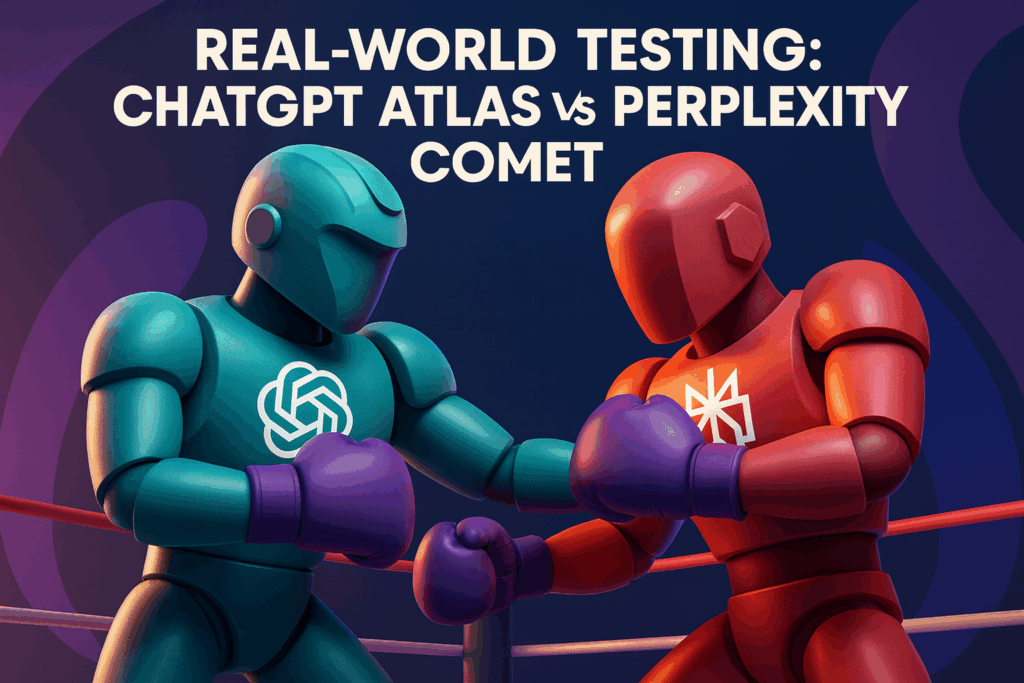
This is where the comparison between ChatGPT Atlas and Perplexity Comet truly comes to life. While feature lists and technical specs can tell part of the story, the real test lies in how these AI browsers perform during everyday professional tasks.
To understand their real value, I decided to test both tools across four realistic scenarios that mirror how freelancers, marketers, and professionals actually work online. These tasks focused on writing, automation, search accuracy, and overall responsiveness. Each test was conducted on the same system under similar internet conditions to ensure a fair comparison.
Test 1: Rewriting an Outreach Email to a Startup Founder
For the first test, I wanted to evaluate how effectively each AI browser could assist with one of the regular tasks at Truelancer, reaching out to startup founders to invite them to post their freelance requirements on our platform.
As part of my role, I often need to send personalized outreach emails that are both credible and persuasive. These emails must communicate the value of hiring through Truelancer while maintaining a warm, human tone that resonates with founders and decision-makers.
I drafted an initial version of a message inviting a fintech founder to explore Truelancer’s pool of verified developers, designers, and AI specialists. Then I tested how both browsers could refine that message into something sharper and more conversion-driven.
ChatGPT Atlas:
I highlighted my draft and prompted Atlas with a clear instruction:
“Rewrite this email in 110 to 130 words, tone: warm, credible, and outcome-focused. Emphasize collaboration and Truelancer’s benefits for startups hiring freelancers.”
Atlas took a few moments to analyze the intent and structure of the message before producing its rewrite. The output was surprisingly persuasive. It restructured my sentences to flow more naturally, added subtle storytelling elements (“fast-growing startups like yours trust Truelancer to find agile freelance teams”), and ended with a strong call to action inviting the founder to sign up for a free consultation.
It felt like something a skilled copywriter would draft: conversational, confident, and completely aligned with Truelancer’s brand tone.
The only drawback was speed. Atlas hesitated slightly before generating the subject line, taking nearly ten seconds to finalize. But the finished product was so polished that I barely needed to make any manual edits.
Perplexity Comet:
I ran the same test in Comet to compare tone, clarity, and conversion strength. Comet was noticeably quicker and more direct. It focused on efficiency; tightening sentences, simplifying phrases, and keeping the message strictly professional.
While the structure was solid, the result lacked emotional warmth. It read more like a formal business email template than a relationship-building message. The call to action was present but somewhat generic, missing the human touch that resonates in startup communications.
Comet clearly optimized for speed and grammatical precision but didn’t quite capture the persuasive edge that Atlas managed so naturally.
Winner: ChatGPT Atlas
Atlas outperformed Comet by delivering a version that not only read better but also felt more authentic. Its understanding of tone and context made it ideal for outreach and business communication, especially in cases where personalization and brand trust matter.
Key Takeaway:
For professionals and marketers handling business development, client outreach, or partnership emails, ChatGPT Atlas proves to be the more effective AI companion. Its ability to maintain brand consistency while adapting tone can directly improve communication success rates and save valuable time when scaling outreach campaigns, exactly the kind of impact that drives results on a platform like Truelancer.
Test 2: Hunting Discount Codes
To test the browsers’ real-world usefulness beyond writing and research, I ran a simpler but surprisingly revealing challenge, finding the best discount codes during an online purchase.
It’s a task we all face, whether it’s upgrading a SaaS subscription, buying digital tools for work, or grabbing hosting for a new project. I wanted to see which browser could save me the most money with the least effort.
ChatGPT Atlas:
Atlas started strong. It scanned the website for available offers, found a valid coupon, and even applied it automatically at checkout. When I pushed it further by asking, “Can you find a better one?”, Atlas recalculated, located an upgraded promo code, and applied it instantly. The process felt smart and adaptive, like shopping with a diligent assistant who refuses to settle for the first deal.
Perplexity Comet:
Comet took a different approach. It skipped the warm-up entirely and delivered the best available coupon in seconds. No extra questions, no second attempts, just the top deal, ready to use. It didn’t talk much or explain its process, but the result was faster and just as accurate.
Winner: Perplexity Comet
Comet clearly had the edge here. Its speed and efficiency made the experience feel effortless: less conversation, more action. Atlas was more interactive and thorough, but Comet’s “get it done” attitude won this round.
Key Takeaway:
When it comes to quick, transaction-based tasks like applying discounts or spotting real-time offers, Comet feels built for the impatient multitasker. It’s fast, decisive, and practical, ideal for professionals who value time as much as savings.
Test 3: Finding a YouTube Timestamp
For this test, I wanted to see how each browser handled a common modern task, locating a specific one-minute clip from a one-hour podcast on YouTube without manually scrubbing through the video.
ChatGPT Atlas:
Atlas started by pulling up the episode’s transcript from the creator’s website. When I clarified that I wanted the actual clip, not the text, it quickly redirected me to YouTube and opened the exact moment I was looking for. It took a bit of back-and-forth, but it got there smoothly.
Perplexity Comet:
Comet handled it like a pro. It stayed within YouTube, scanned through the content automatically, and landed precisely on the correct timestamp in seconds. The entire process felt seamless, almost like watching someone expertly scrub through the video for you.
Winner: Perplexity Comet
Comet’s in-platform navigation felt natural, intuitive, and impressively human. For content discovery and quick reference, it was clearly the faster and smarter performer.
Test 4: LinkedIn Search
For the final test, I wanted to measure how effectively each browser could assist with professional networking and talent discovery, something that directly connects to what we do at Truelancer.
I ran a targeted LinkedIn search for engineers who had previously worked at Razorpay and were now open to new opportunities. The goal was to see how each browser handled sourcing and outreach logic.
ChatGPT Atlas:
Atlas found accurate profiles almost instantly. It even summarized the career highlights of a few candidates, helping me gauge suitability faster. When I tried to initiate contact, it politely reminded me that LinkedIn messaging requires Premium access and suggested an alternative: send a connection request with a personalized note. Smart, but slightly passive in execution.
Perplexity Comet:
Comet went a step further. It located the same professionals, detected that direct messaging wasn’t possible, and immediately looked for first-degree connections who could provide introductions. Within seconds, it opened the message composer for one of those contacts, ready for me to send. The initiative felt remarkably proactive – like having a virtual recruiter who already knows your next move.
Winner: Perplexity Comet
Comet’s ability to anticipate limitations and find workarounds made it stand out. For anyone involved in talent sourcing, lead generation, or partnership outreach, it brings real-world practicality that can save valuable time.
Key Takeaway:
While Atlas is excellent for structuring communication, Comet clearly dominates in network navigation and action automation — areas where speed and initiative translate directly into business advantage.
Observation: Automation Philosophy
Across all my tests, one pattern became very clear — the two browsers approach automation very differently.
Perplexity Comet operates like an autonomous coworker who doesn’t wait for instructions. The moment you search or type a command, it begins thinking, analyzing, and executing tasks in the background. Whether it’s locating profiles, scrubbing a video, or comparing discount codes, Comet behaves like an efficient teammate that takes initiative without constant supervision.
ChatGPT Atlas, on the other hand, feels more deliberate and human in its process. To unlock its full automation potential, you need to manually activate Agent Mode. That extra step can make it feel slightly slower, but it also gives users more control. You decide when the browser acts, how far it goes, and what data it uses.
In essence:
- Comet acts like a proactive colleague who anticipates your needs and moves fast.
- Atlas behaves more like a skilled assistant who waits for your direction and focuses on precision over speed.
Both philosophies have merit. Comet shines in environments where momentum matters, quick research, repetitive workflows, and sourcing tasks. Atlas excels when context, tone, or creative nuance is more important than raw execution speed.
Major Differences to Consider
Although both browsers aim to redefine productivity, they diverge meaningfully in how they deliver value. Here’s a closer look at the aspects that matter most to professionals and freelancers.
1. Speed vs. Depth
Comet prioritizes velocity. It reacts instantly and delivers straightforward results, perfect for users who need answers fast. Atlas, by contrast, trades a bit of speed for more context. Its responses feel more thoughtful and detailed, especially when rewriting, editing, or summarizing long-form content.
2. Automation Style
Comet runs on an automatic workflow philosophy, once you start a query, it thinks and acts independently. It’s efficient but occasionally unpredictable. Atlas’s manual Agent Mode may require an extra click, but it ensures you remain in control of every automated action.
3. Platform Availability
Atlas is currently available only on macOS, with Windows and mobile versions expected soon. Comet already supports both Windows and macOS, giving it a broader reach and easier adoption for teams using mixed systems.
4. Use Case Orientation
Atlas feels naturally designed for writers, marketers, content strategists, and anyone who values clarity and tone. Comet fits better for researchers, recruiters, analysts, and those managing multiple data or sourcing workflows.
5. Privacy and Data Handling
Atlas takes a transparent, opt-in approach. Users decide whether to enable browser memory, which data to store, and how long it’s retained. Comet focuses on simplicity and security by default, using built-in ad and tracker blocking to enhance privacy without requiring user input.
Final Thought on Their Philosophies
Atlas is built for thoughtful precision; Comet is built for rapid execution. One gives you creative depth and control, while the other gives you momentum and autonomy. Choosing between them depends on whether your workflow values nuance or speed more.
Which One Is Better, and For Whom?
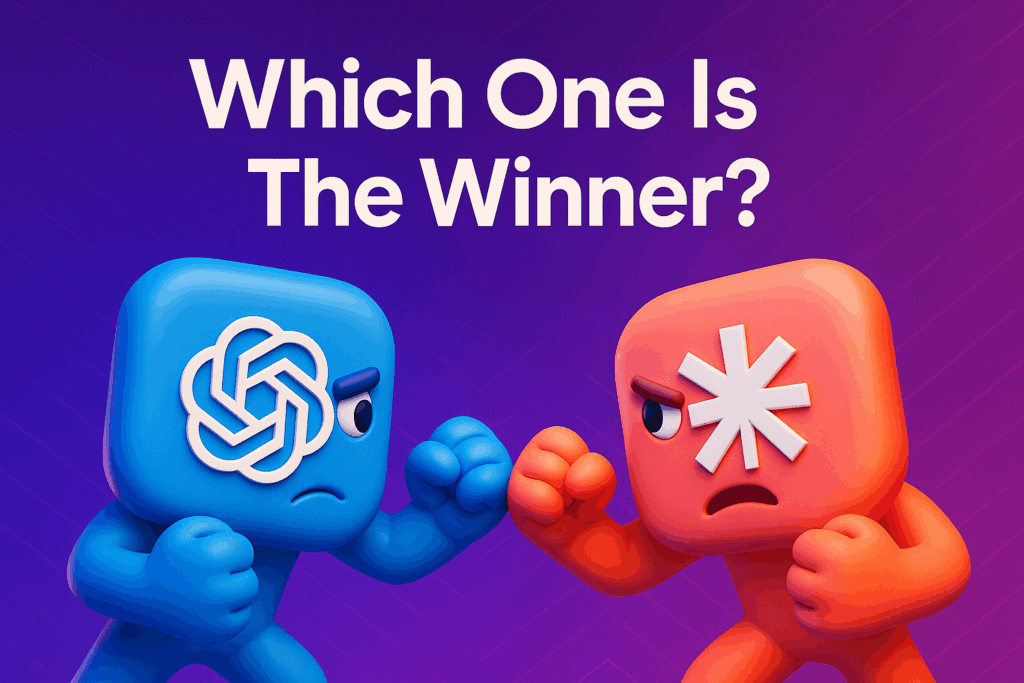
At this point, it’s clear that both ChatGPT Atlas and Perplexity Comet are exceptional tools. The real question isn’t which one is objectively “better,” but rather which one aligns best with the kind of work you do and the way you prefer to operate online.
Each browser has its own personality: Atlas feels more expressive and collaborative, while Comet feels faster and action-oriented. Here’s how I’d break it down.
Choose ChatGPT Atlas if you:
- Write or communicate professionally on a daily basis.
Whether you’re drafting outreach emails, blog articles, or marketing copy, Atlas’s contextual understanding and tone precision make it feel like an editor who always knows your intent. - Prefer a conversational assistant that “gets” nuance.
Atlas doesn’t just rewrite; it understands purpose. It’s ideal for refining tone, rephrasing messages, or creating polished client communication. - Operate within macOS and the ChatGPT ecosystem.
Integration feels smooth and natural, especially if you already use ChatGPT Plus or OpenAI’s tools for content or ideation. - Value control over automation.
Atlas requires you to enable Agent Mode manually, which means it never acts without your consent, ideal for professionals who prefer precision over autonomy.
Best For: Writers, marketers, content strategists, startup founders, and professionals focused on client-facing communication.
Choose Perplexity Comet if you:
- Handle research, recruitment, or analytical workflows.
Comet thrives when given data-heavy or multi-step tasks, such as sourcing candidates, comparing datasets, or running competitive research. - Prioritize speed and automation above conversation.
It’s built for people who want results immediately without too much back-and-forth. Comet acts automatically and delivers actionable output in seconds. - Need cross-platform flexibility.
With support for both Windows and macOS, it fits seamlessly into hybrid or team environments where not everyone is on the same OS. - Rely on Chrome extensions and productivity tools.
Because Comet is built on Chromium, it allows you to import your existing bookmarks and extensions effortlessly, a big plus for freelancers managing multiple projects.
Best For: Recruiters, researchers, data analysts, and productivity-driven professionals who value speed and simplicity.
In Short:
If you want a browser that collaborates, Atlas talks to you.
If you want a browser that executes, Comet works for you.
The best approach? Try both for a week and see which one naturally blends into your workflow. In many cases, professionals end up using Atlas for creative writing and communication, and Comet for fast research and automation, a perfect balance between expression and efficiency.
FAQs
Is ChatGPT Atlas free?
Yes. ChatGPT Atlas offers a free version that includes all core browsing features. However, advanced options like Agent Mode, Browser Memory, and some automation tools are available under premium upgrades.
Can I use Perplexity Comet on Windows?
Absolutely. Comet supports both Windows and macOS, with mobile versions currently in development. The setup feels familiar to Chrome users, and it imports your existing extensions effortlessly.
Which browser is better for research?
For research-heavy tasks and fast factual lookups, Perplexity Comet is ahead. It’s quick, precise, and provides sourced answers. ChatGPT Atlas, on the other hand, shines when the task involves creative writing, outreach communication, or long-form content editing.
Are these browsers safe?
Both browsers emphasize user privacy, but in different ways. Atlas gives you transparent control over what’s stored and remembered through its opt-in memory feature. Comet integrates built-in ad and tracker blocking by default, reducing external data tracking. In either case, it’s wise to review privacy settings regularly and manage how AI interacts with your data.
Conclusion
After weeks of testing both browsers, one thing became clear: AI-native browsing isn’t the future anymore, it’s already here.
These tools are redefining what it means to “use the internet.” Instead of typing queries and switching between endless tabs, your browser now thinks, writes, searches, and acts for you.
ChatGPT Atlas feels like an empathetic digital partner; thoughtful, conversational, and creatively fluent. It’s perfect for writing, marketing, and communication tasks where tone and clarity matter.
Perplexity Comet, in contrast, feels like an analytical coworker, fast, factual, and always one move ahead. It thrives in research, sourcing, and task automation, helping you get things done without slowing down.
For freelancers, students, and professionals exploring productivity tools in 2025, the smartest approach is simple: try both.
Use Atlas when you’re writing or refining ideas, and switch to Comet when you need instant, data-backed results. Together, they form a toolkit that blends creativity with efficiency, the ultimate combination for modern digital work.
Once your browser starts writing emails, locating clips, finding talent, or even comparing project bids for you, there’s truly no going back to “traditional” browsing.